Pictures, recordings and videos
1. Where a picture lives#
Put the file under html-guide/markdown/, anywhere — beside the page that shows it, or in a folder of pictures — and name it by its path from the page. The compile copies it to the same place in the compiled site, and says so, with the page and the line, when a page names a file that is not there.
markdown/ images/flashcard.gif writing-this-guide/pictures.md -> 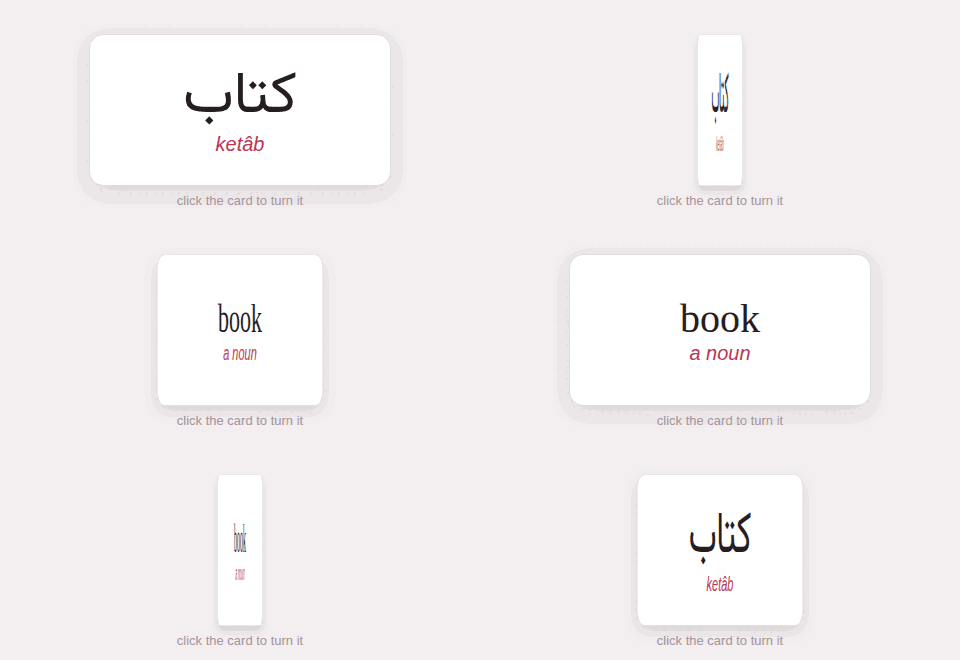A picture from another site is named by its whole address, https://…, and is not copied.
2. A picture in the text#
Hugo’s picture, , sits in the line like a word, as wide as it is — never wider than the column, so a large GIF does not break a page on a phone. Click it to see it large; Escape, or a click anywhere, closes it.
A card, turned: A card, turned: 
Every picture is loaded only when the page scrolls near it.
3. A figure, laid out as in the studio#
A picture alone on its line with the studio’s braces after it is the studio’s figure: width= in percent of the column, align=left, center or right, offset= to push it sideways, and the text in brackets as its caption.
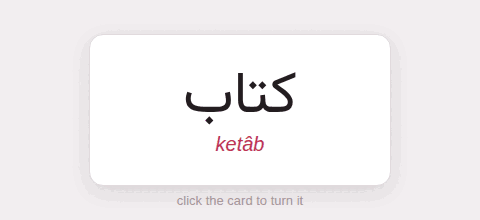{width=45 align=center}
Without the braces a picture alone on its line is Hugo’s plain picture, as wide as it is.
4. A figure with a caption: the shortcode#
Hugo’s figure shortcode takes a caption, a title, a link and a size:
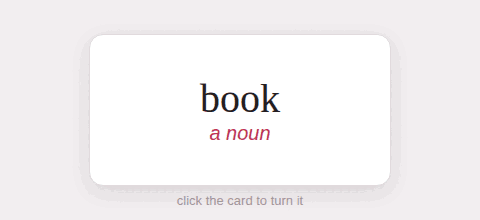
The back
What the learner sees after turning it.
5. Recordings#
A picture line whose file is a recording — .mp3, .m4a, .aac, .ogg, .oga, .opus, .wav, .flac, .webm — is a player, laid out like a figure. start= and end= play a stretch of it: 90, 1:30, 1:05.25.
{width=60 start=0:01.5 end=0:03}6. Videos#
A YouTube video goes in on a line of its own, the studio’s way — @[caption](address){width= align= start= end=} — or with Hugo’s youtube shortcode. Vimeo has a shortcode too.
@[A lesson](https://www.youtube.com/watch?v=aqz-KE-bpKQ){width=80 align=center start=30}Both are the privacy-minded embeds: youtube-nocookie.com, and Vimeo with dnt=1.
A YouTube video plays in the page only when the guide is served — by Parseh, or on the web. YouTube’s player refuses a page opened straight from the disk, so there the guide puts a card in its place: the video’s still and Watch on YouTube, from the clip’s start, which opens it on YouTube, with a line under it saying that the player works when the guide is served. A narrow card, as on a phone, says only YouTube and the start time. Vimeo’s player plays from the disk too.
7. The screenshots of Parseh’s own pages#
The pictures of Parseh’s pages in this guide are not drawn by hand: a script in the Parseh folder, tests/guide_shots.mjs, takes them from the real pages. It starts the real hub on a temporary toolbox — the fixture books, a video with a film to play, a few documents and decks — and drives a real Chromium the way a person does, with a mouse at a computer’s size and a finger at a phone’s, and saves each picture where its page expects it, in html-guide/markdown/<section>/shots/. Run it with the toolchain the tests use (GUIDE_SHOTS_WRITE=1 deno run --allow-all tests/guide_shots.mjs; GUIDE_SHOTS_ONLY=reader retakes the pictures it names, and GUIDE_SHOTS_OUT=<folder> saves them there to be looked at first), look at every file it saves, and compile the guide again. Without GUIDE_SHOTS_WRITE it saves nothing of the guide’s, so that a run of all the tests leaves the guide as it was: it only takes the pictures into a folder it removes, to show that each can still be taken. Nothing of your books, videos or settings is read or written: everything it opens lives in a temporary folder, which it removes.
8. Making a GIF#
A GIF shows a thing being done better than a paragraph does. Record the screen with any tool, keep it short and narrow — the column is some 800 pixels wide, and a phone half that — and cut the colours down: a screenshot needs a few dozen. With ImageMagick, from a folder of frames:
magick -delay 80 frame-*.png -loop 0 -layers Optimize -colors 64 demo.gifThe card above is nine frames, 480 × 220 pixels, 29 kilobytes.